|
Launch the RDP client, enter the user name and password.
Enter the server URL as device.onlineappbox.com
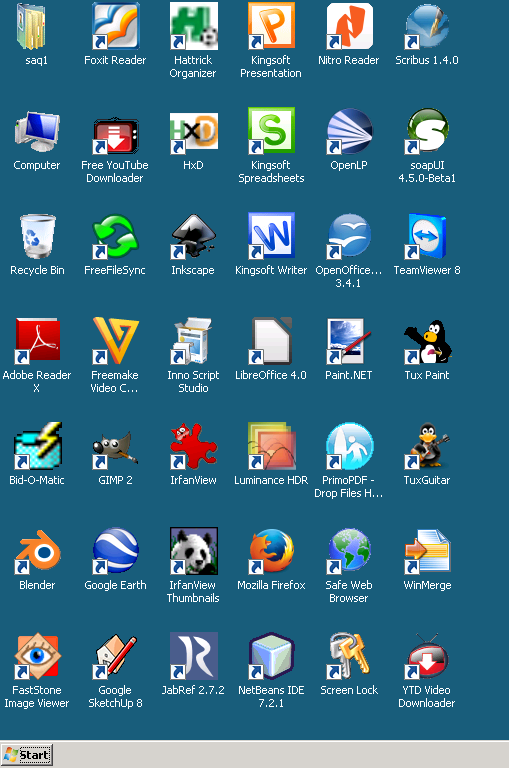
Login our remote desktop server, you will get a Windows desktop.
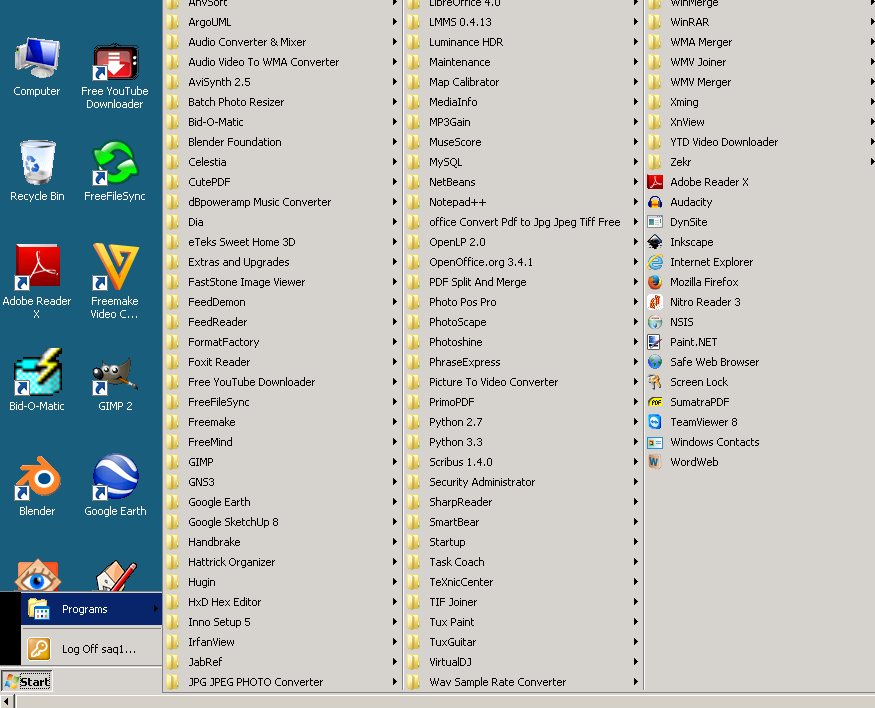
Click the icon on the desktop, or select the app in the
Start -> Programs menu.
When you run an application, the key issue is how to upload/download
data.
The only read/write access right you have on Remote App
sever is Desktop in your profile. You may save the output on
your remote desktop temporarily. But you still need to get
it to your local disk. At present one way is upload or
download from Dropbox, Box, Google Drive or Microsoft
OneDrive. Launch web browsers such as Firefox or Internet
Explorer, login the Dropbox, Box, Google Drive or Microsoft
OneDrive, then you may download or upload file to and from
the desktop.
|